Music-friendly recording
Keep the music playing
Record your voice while listening to music, without interrupting the soundtrack or breaking your flow.
See how Voice Notes keeps you in the moment
Voice Notes for iPhone
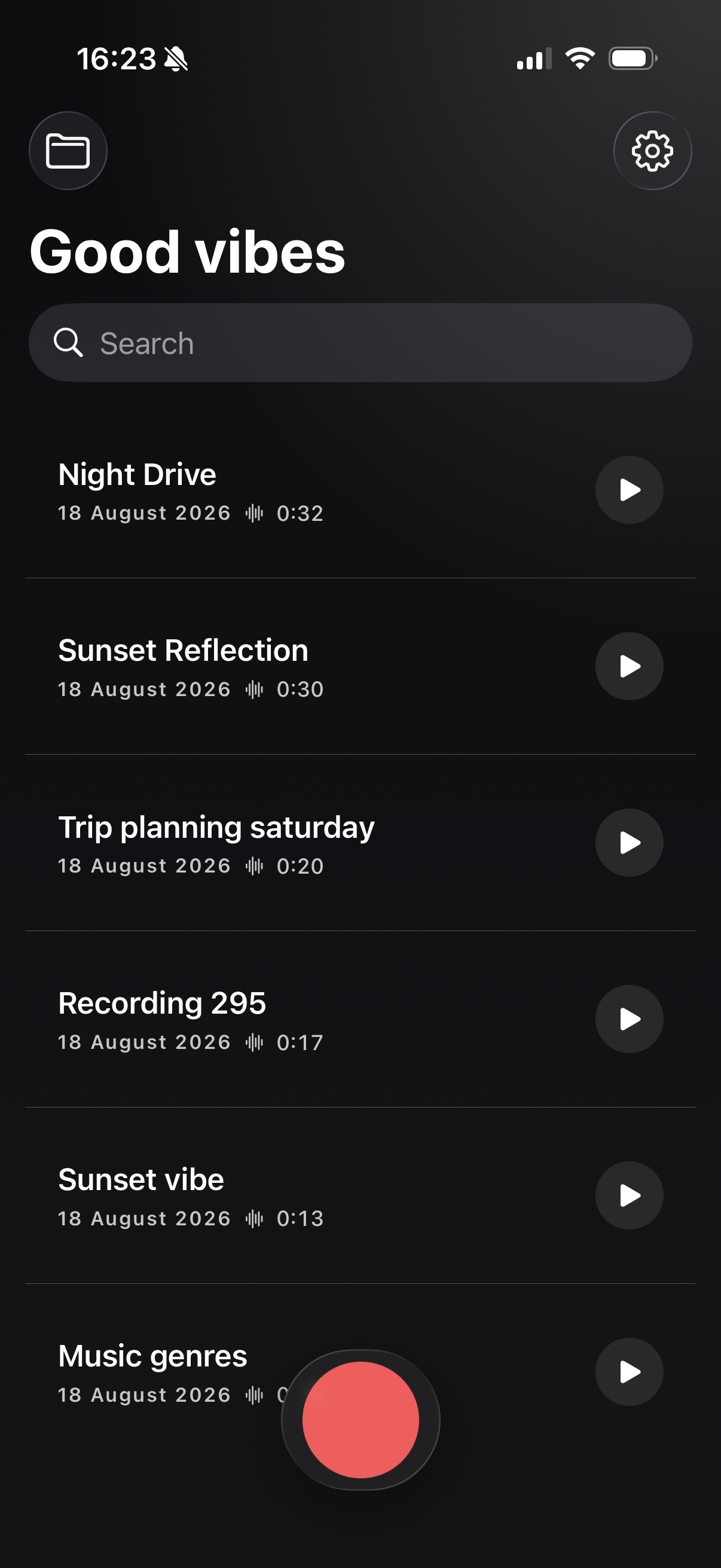
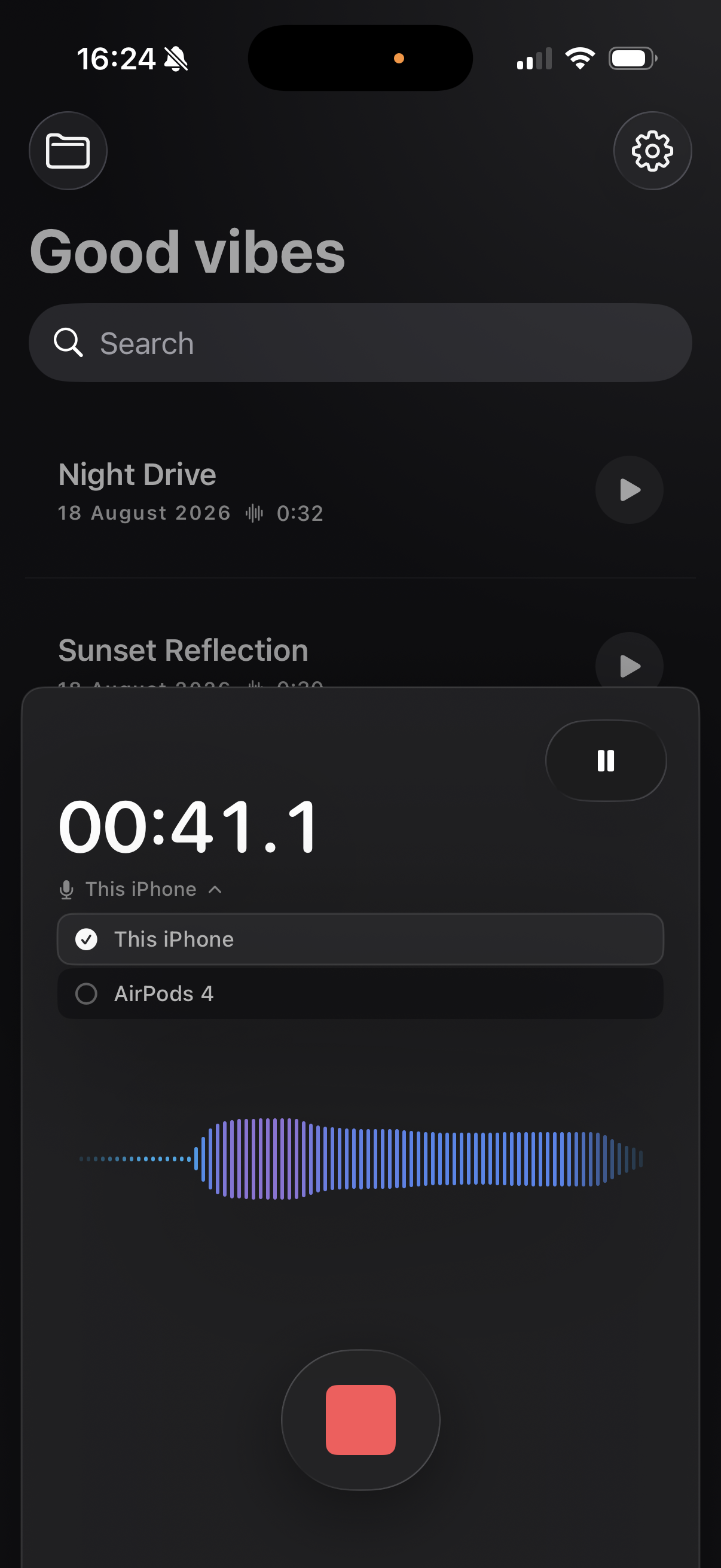
Voice Notes is an iPhone audio recorder that keeps your music playing while you record. Choose your iPhone, AirPods, or another available microphone and switch inputs seamlessly without stopping.

Stay inside the moment
Music-friendly recording
Record your voice while listening to music, without interrupting the soundtrack or breaking your flow.
See how Voice Notes keeps you in the momentYour microphone, your choice
Choose the microphone that fits the moment and change inputs seamlessly while recording—no need to stop.
Simple by design
Keep voice notes close, searchable, and ready to play whenever an idea comes back to you.
Private by choice
Sync uses only Apple services and can be enabled or disabled. Transcriptions and automatic titles use Apple Intelligence. Turn these features off and your recordings remain fully private—even from Apple.
Voice Notes Stories
A song, podcast, or walk puts a thought in motion. See how to capture it on iPhone without losing the sound—or the feeling—that brought it there.
Read the first story
Frequently asked questions
Yes. Voice Notes keeps your music playing while it records, so you can capture your voice without interrupting playback.
Yes. Choose an available microphone, including your iPhone or connected AirPods, and switch inputs during a recording without stopping.
Your recordings are not collected by Bytentic. Apple-only sync, transcription, and automatic titles are optional. Disable these features to keep recordings fully private on your device.
Voice Notes uses Apple Intelligence for transcription and automatic titles. These features can be turned off whenever you prefer.
Available on the App Store